Send RFQ - Attachments - Delete
 Updated
Suggested Prior Reading
Change Request - Schedule of Values - Bulk Actions - Send RFQs - Attachments.
OR
All Change Request Lists - Bulk Actions - Send RFQs - Attachments.
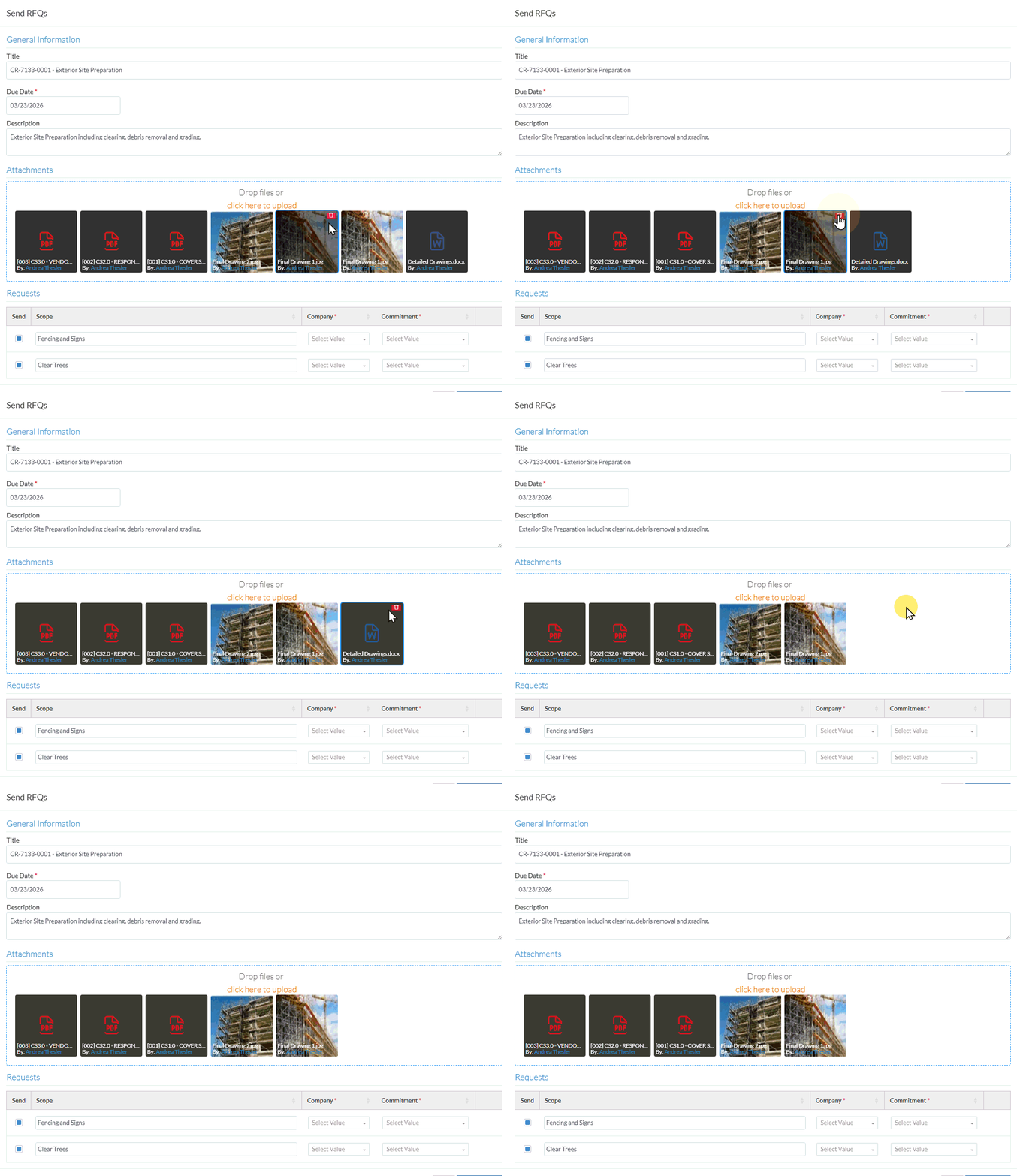
To delete an Attachment
- Hover on the File to delete
- Click on the delete
 button on the item. The file will be removed.
Next Steps
If the Send RFQ was invoked from the Change Request - Schedule of Values, see Change Request - Schedule of Values - Bulk Actions - Send RFQs - Attachments.
OR
If the Send RFQ was invoked from the Change Requests List OR the Contract - List of all Change Requests, see All Change Request Lists - Bulk Actions - Send RFQs - Attachments.
