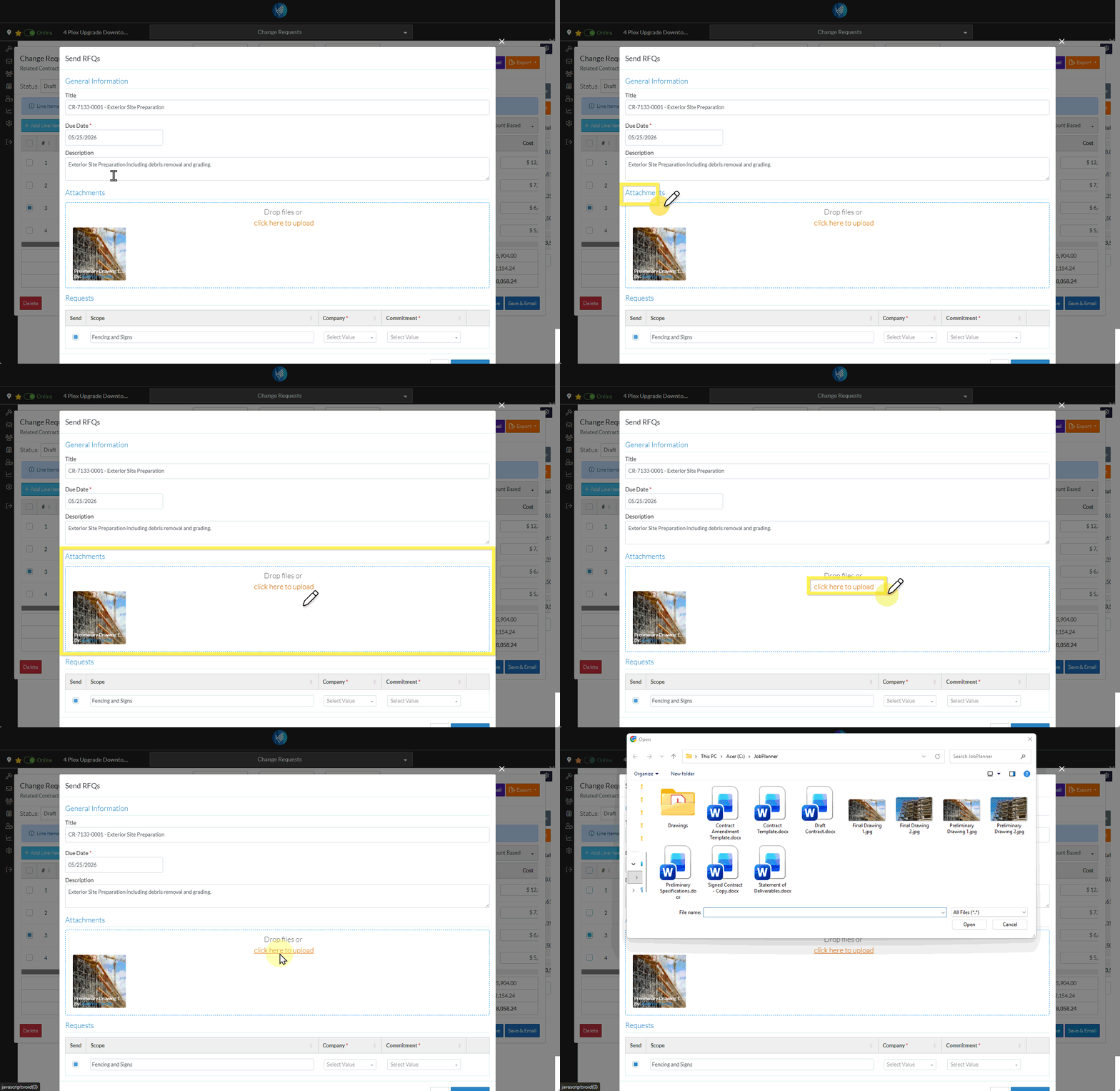
Any type of file can be uploaded in the Attachments section. It can also be viewed or removed.
The Attachments will be visible and accessible to any Subcontractor/Vendor that responds to the RFQ.
Files can be uploaded using the File Explorer and/or they can be dragged and dropped to the Attachments section (both are explained below).
Attachments Display
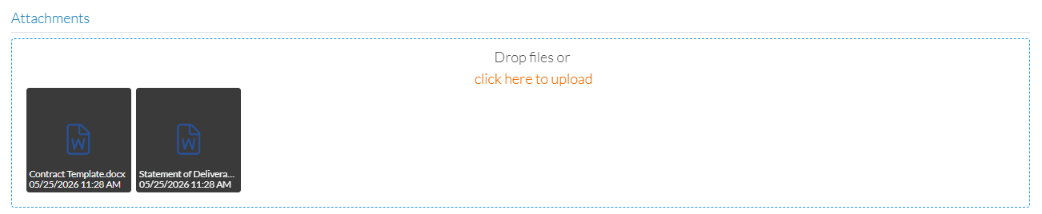
The Attachments display will differ depending on whether or not Attachments have been uploaded.
No Attachments
Attachments
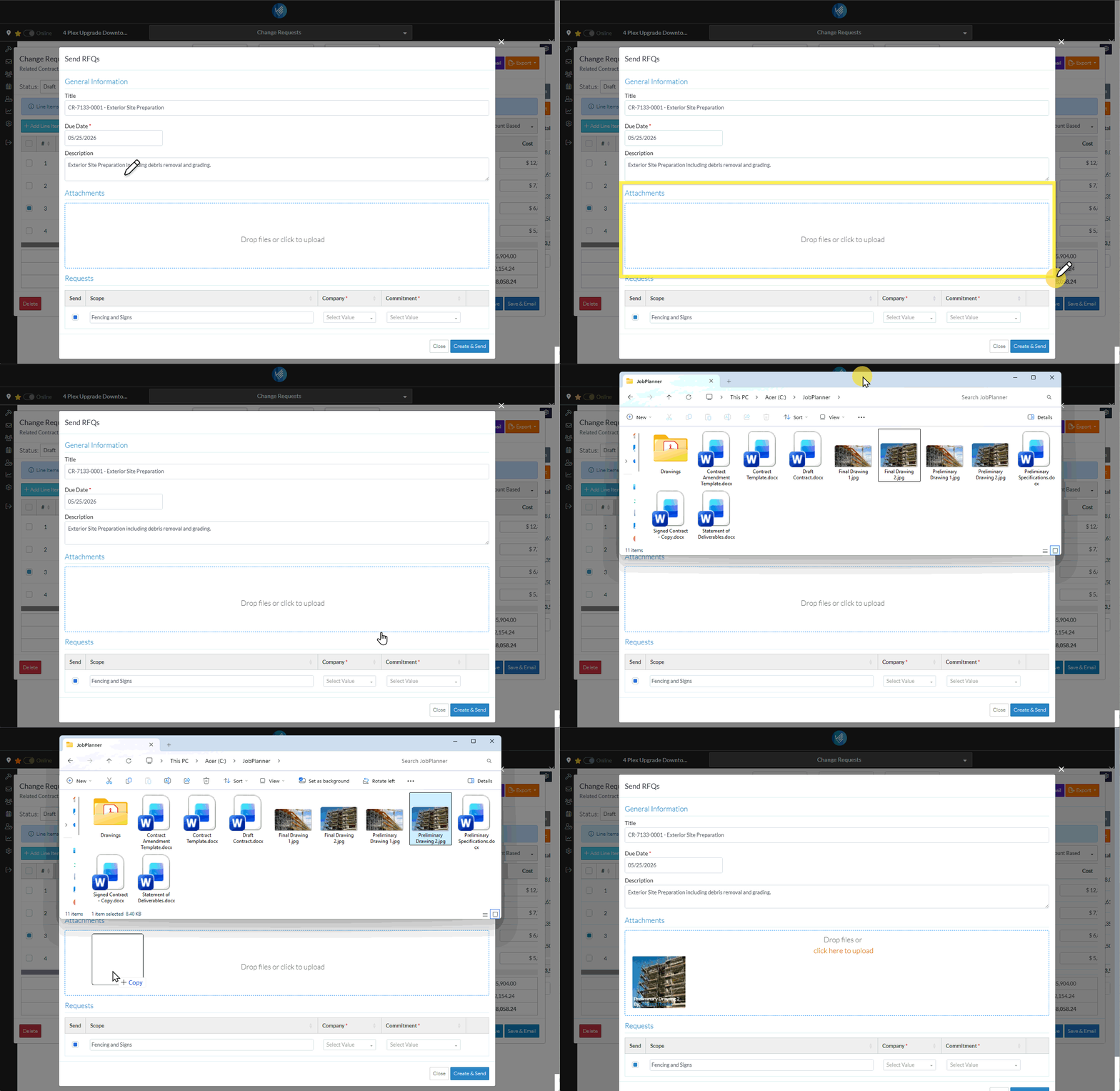
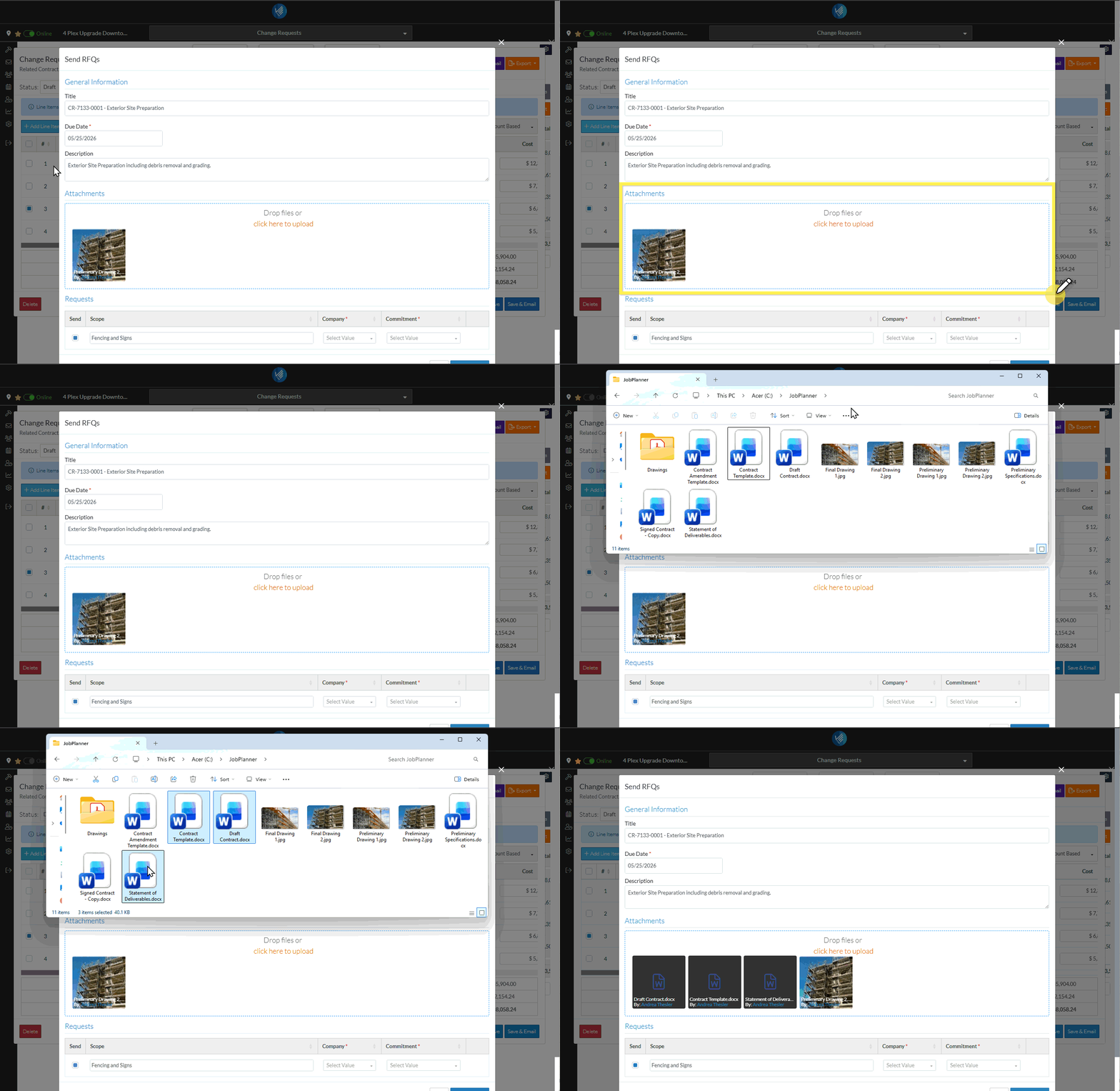
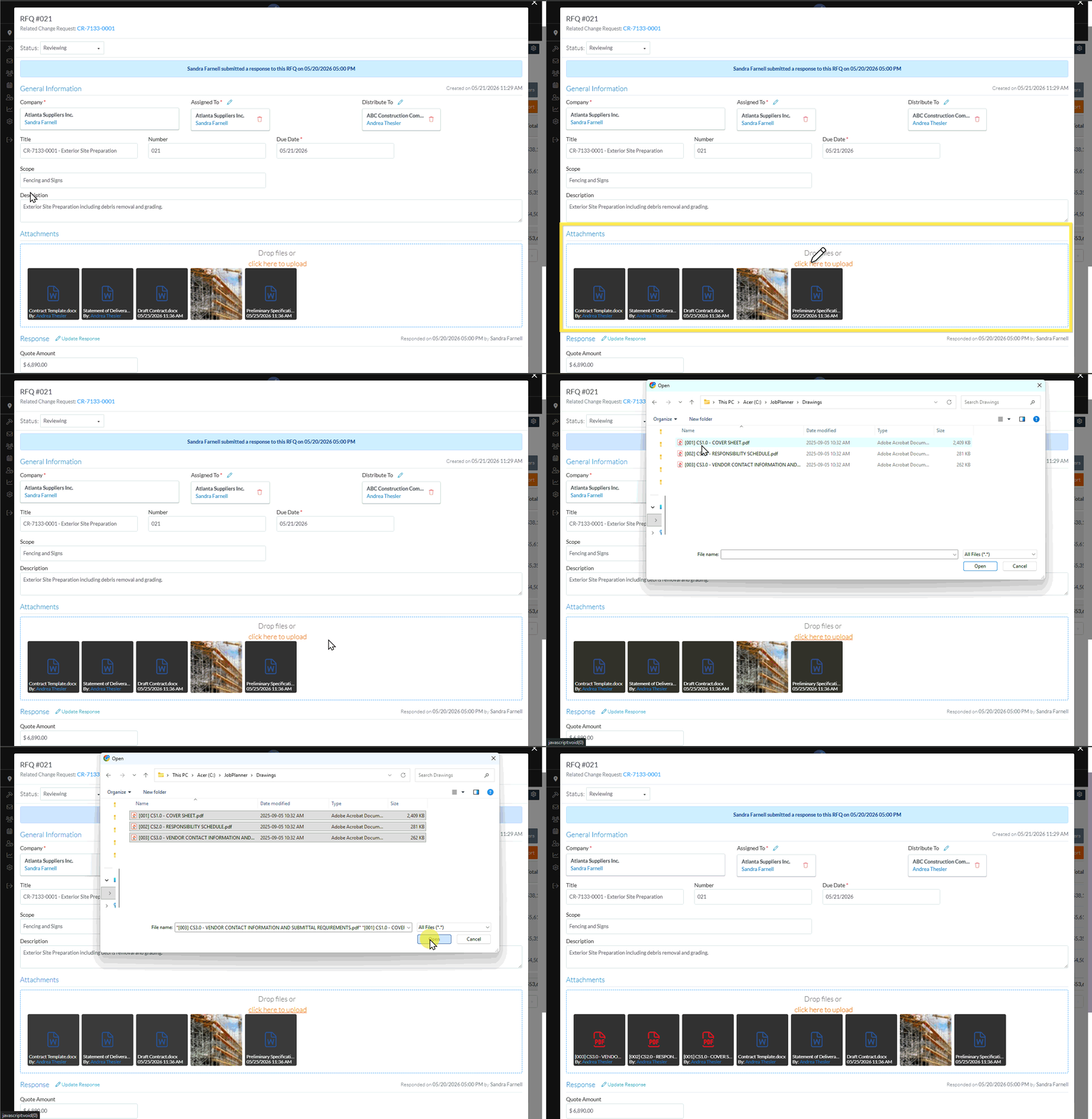
Drag and Drop Files
From a File Explorer window, drag and drop Files into the Attachments blue dotted box (regardless of whether files are uploaded or not). The following example is for when no files are uploaded.
Single or multiple files can be selected and then dragged and dropped.
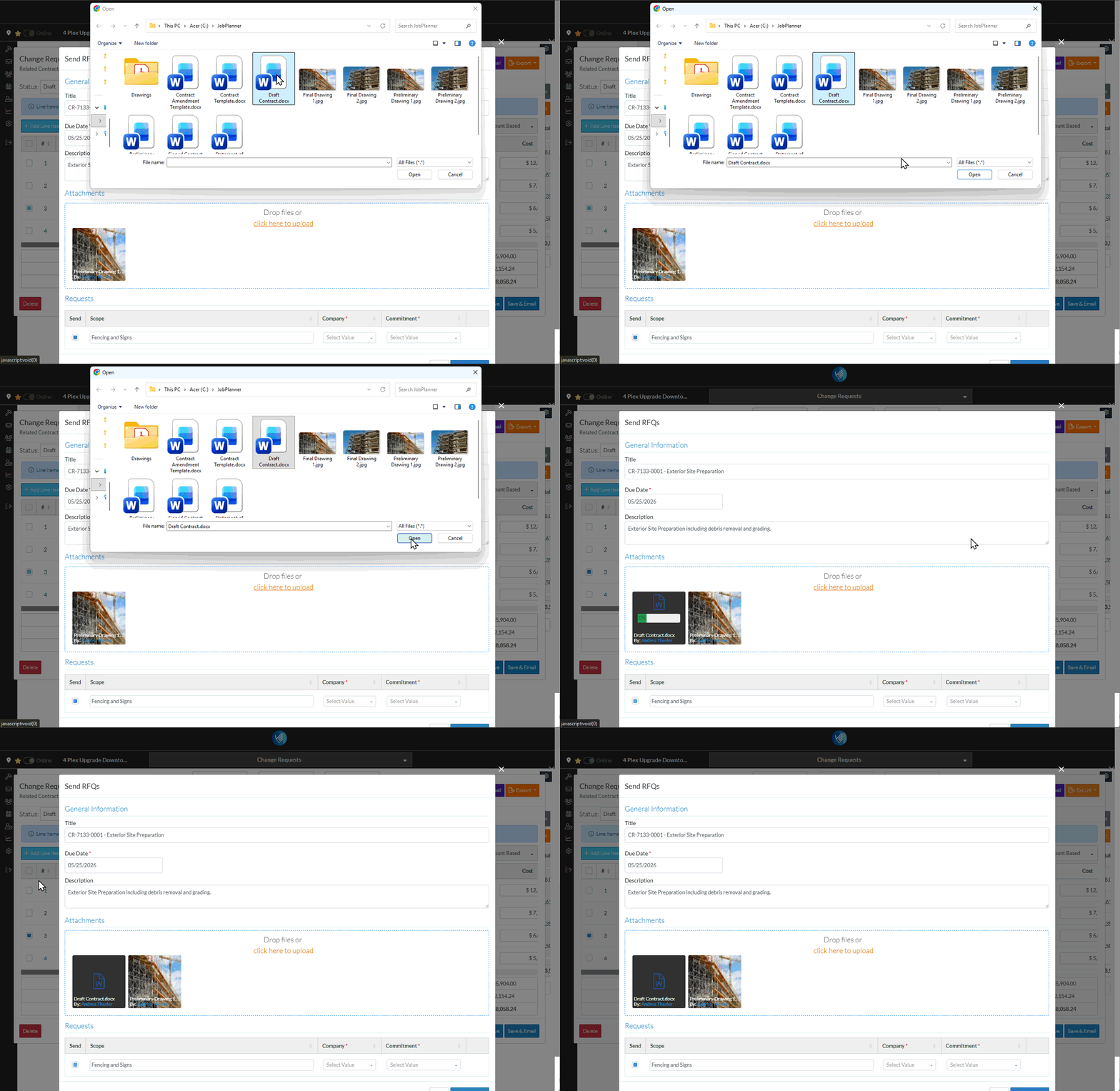
Manually Upload Files
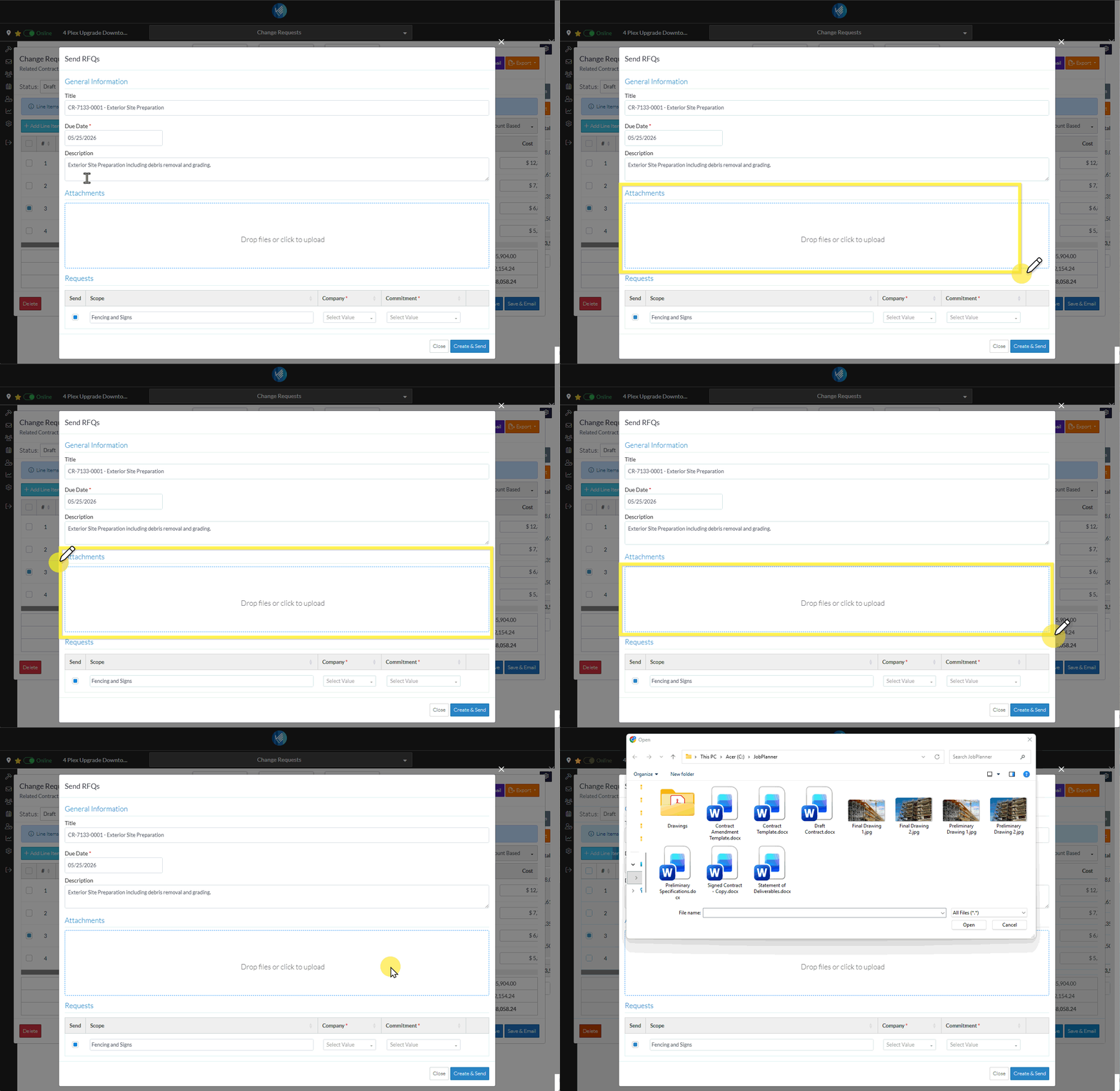
Files can also be manually uploaded.
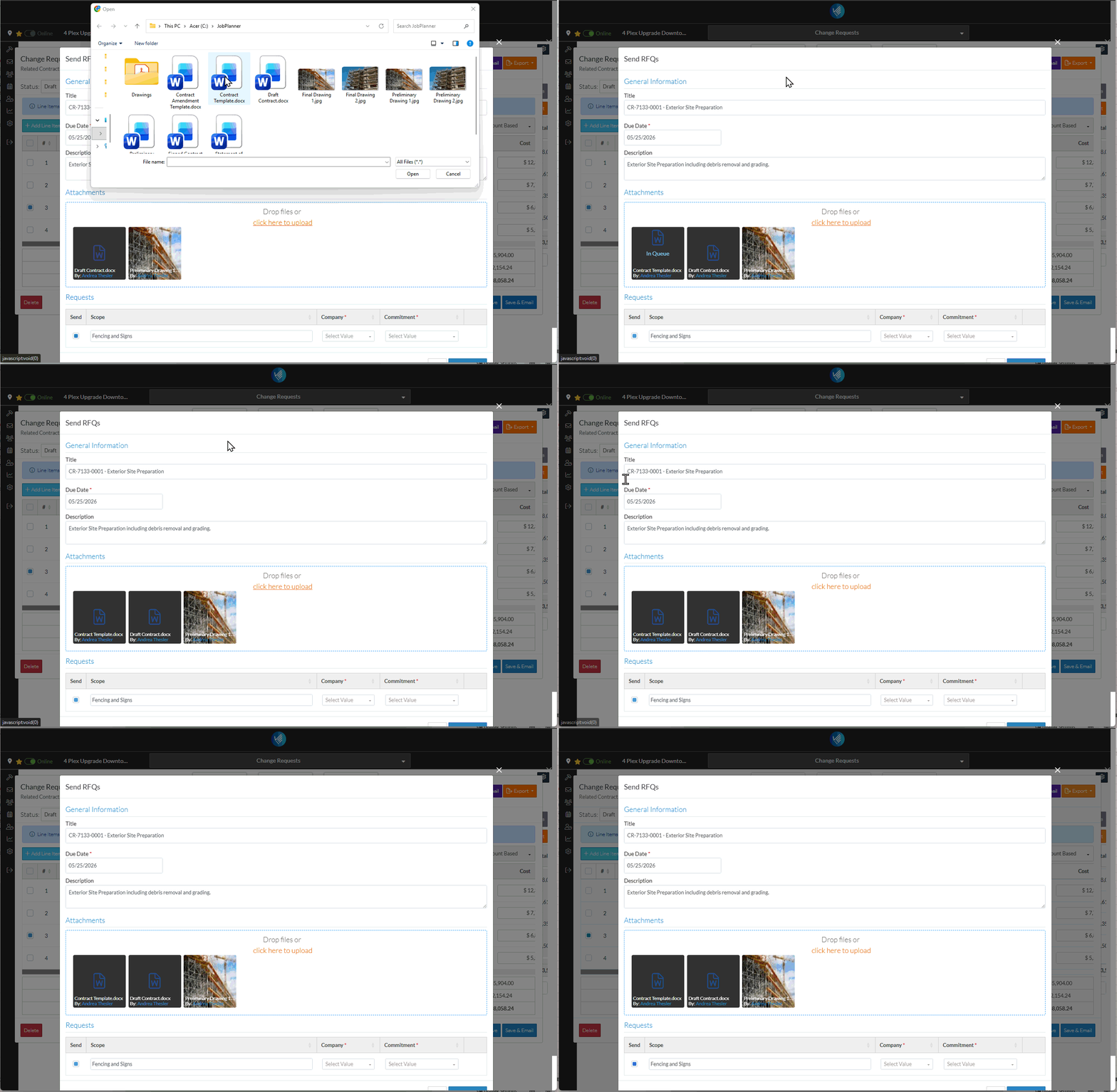
If no documents have been uploaded and the function has not yet been clicked, click anywhere within the box to invoke the upload. The File Explorer window displays.OR If a document has been uploaded or the function previously clicked, click on the click here to upload text to invoke the upload. The File Explorer window displays.
Select one or more files to upload: Click on a File and click open to select itOR Double Click on a File to select itOR Select multiple files by holding down the Shift button or CTRL button and clicking on the Files and then selecting Open OR Single or multiple files can be dragged and dropped from here as well once the File Explorer window is displayed (See Drag and Drop above)
 Updated