Change Requests Lists - Export (Simple List View)
 Updated
Suggested Prior Reading
Change Requests - Multiple Lists and Views
Change Requests List - Accessing
Change Requests List - Overview
Change Requests List - Layout and Navigation (Simple List View)
To Export a list of all the Change Requests
This is help for exporting a list of all the Change Requests from the Change Requests List.
Note* There are multiple ways to access Change Requests and multiple views that can display, see Change Requests - Multiple Lists and Views for more information. This help is for the Simple List View.
All Change Requests are exported, regardless of whether any search criteria has been entered or filters set.
Only the Change Request General and Total information is exported (the individual Schedule of Values Line Items are not exported, even if the Grouped List View is displaying).
The columns which are exported are set and can not be changed.
- Access the project, see Project - Accessing.
- Access the Change Requests List, see Change Requests List - Accessing
- Click the Export
 button
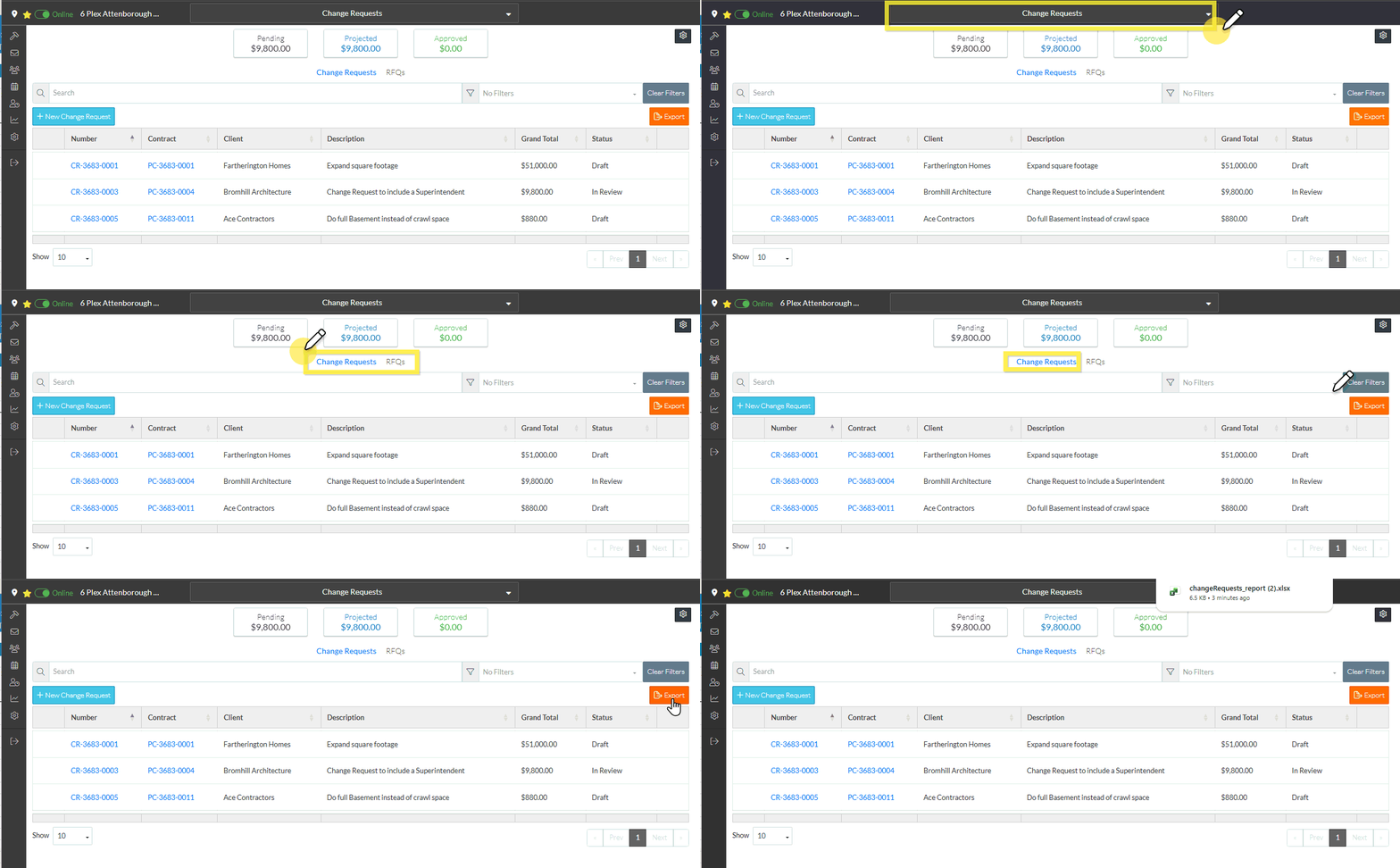
- An XLS file is created in the system download folder with a title section and the following columns:

Next Steps
See Change Requests List - Quick Links (Simple List View), for the functionality available from the Change Requests List.
