Contract - Financial Markups - Accessing During Add
 Updated
Suggested Prior Reading
Access the Financial Markups
- Initiate the add of a New Contract (see New Contract).
The New Contract form displays. See Contract – New - Form Layout and Navigation for more information.
- Click on Financial Markups on the Form Navigation Menu Options on the form
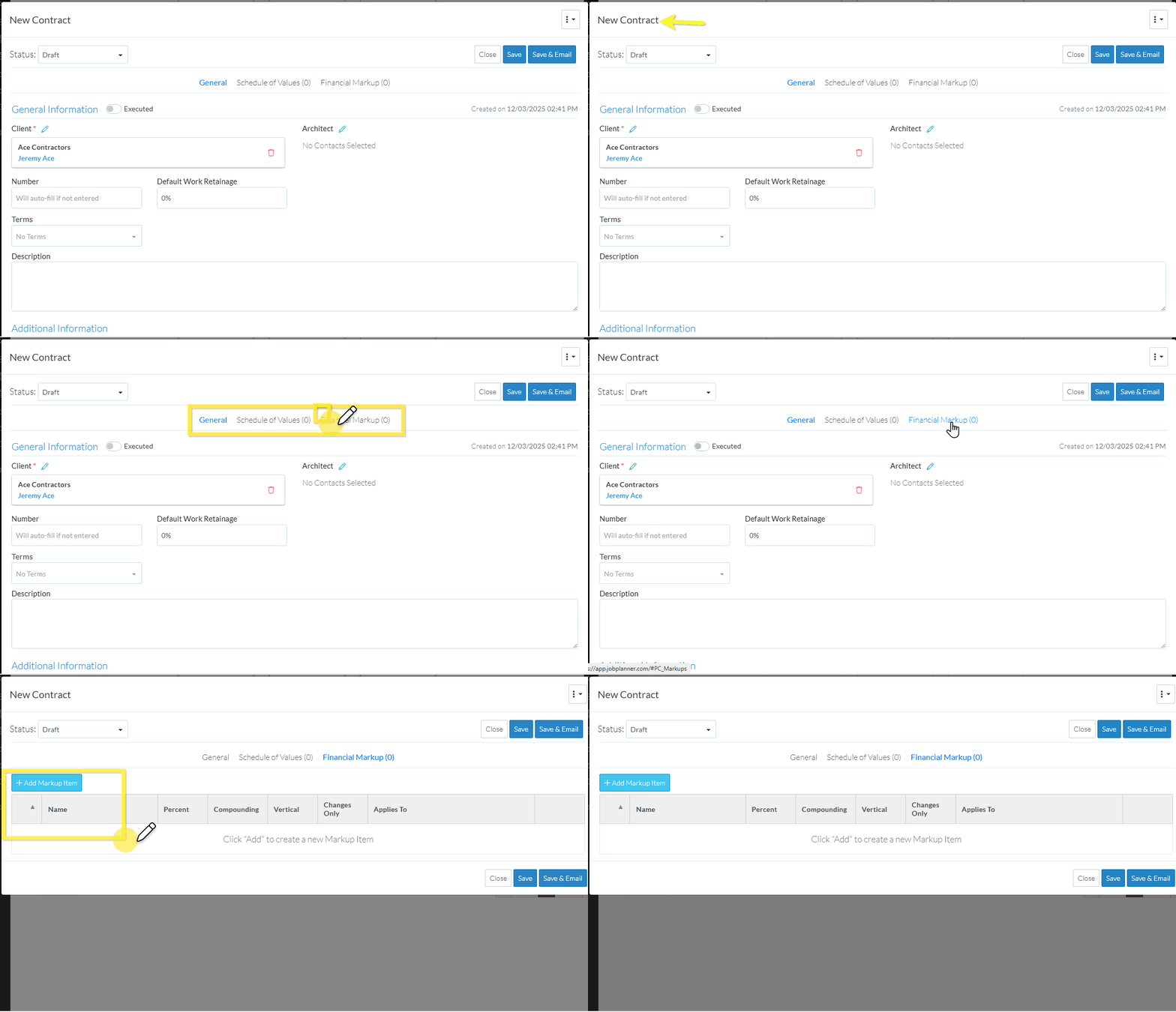
The Financial Markups component for the Contract displays. See Contract - Financial Markups - Layout and Navigation for more information.
